Everything you need to post consistently, without giving up your evenings

Concrete results, each linked to the tools that make it possible. Nothing more, nothing that isn’t in the app.

  • 14 days free
  • No credit card required
  • You keep the final say

New · version 2.7

What’s new in Revoria 2.7

A redesigned interface (buttons, sliding tabs, collapsible sections) and new tools for your accounts, websites, articles and statistics. Real screenshots of the app, with demo data.

Every account has its own details panel

The Connected accounts page arranges your accounts in columns, one network per column, with a “Connect an account” row at the top where the most-used networks come first.

  • Account details: profile link, description, linked brand and direct access to its statistics
  • Refresh the connection, pause or delete (with confirmation) from the details panel
  • Search by name, filter by network and brand
  • When an account is connected, the last 90 days of history are imported; “Retrieve history” button
Read the guide
Revoria 2.7 screen: Every account has its own details panelRevoria 2.7 screen: Every account has its own details panel
Screenshot of the Revoria app, with demo data.

Your websites, and what holds back their SEO

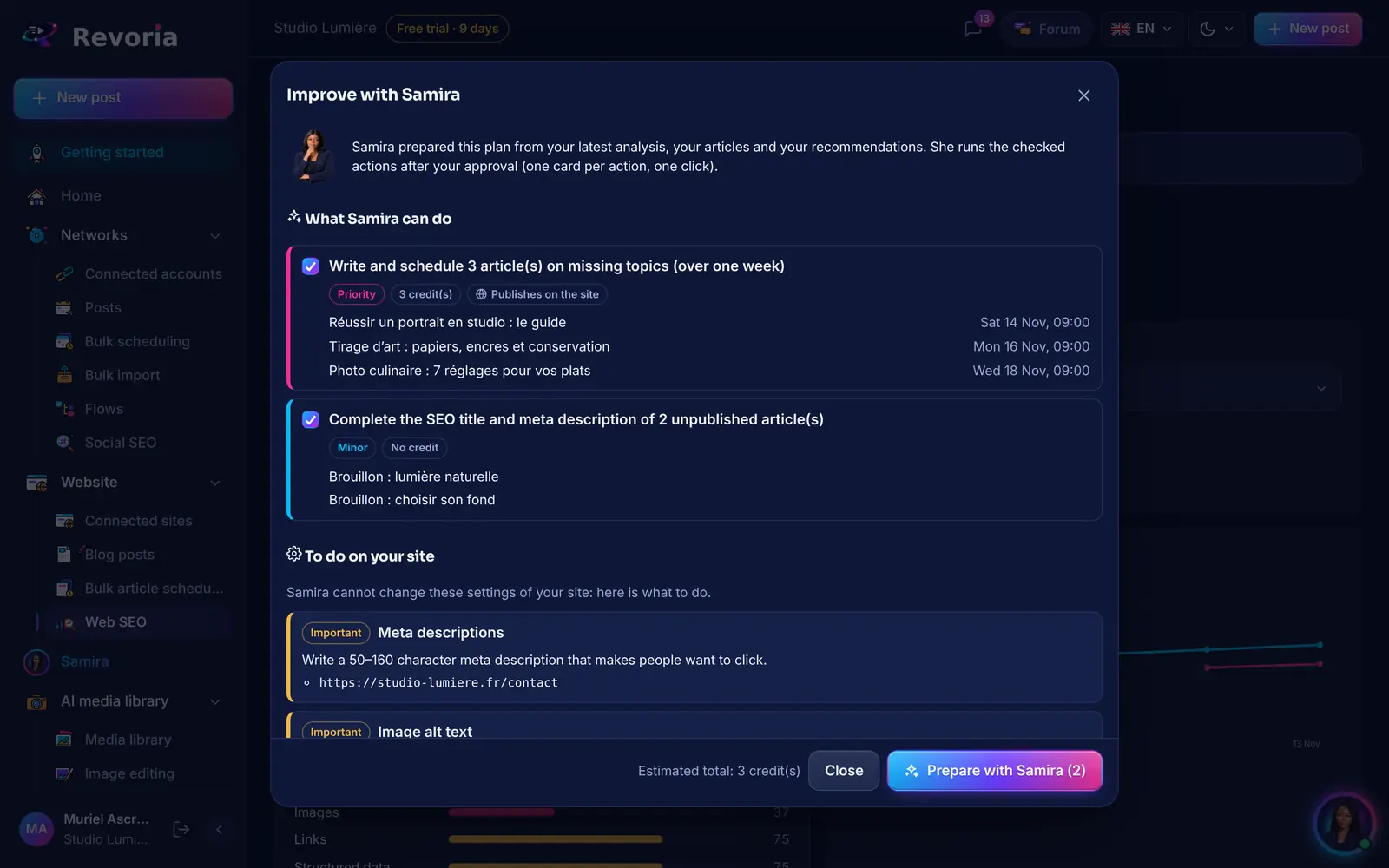
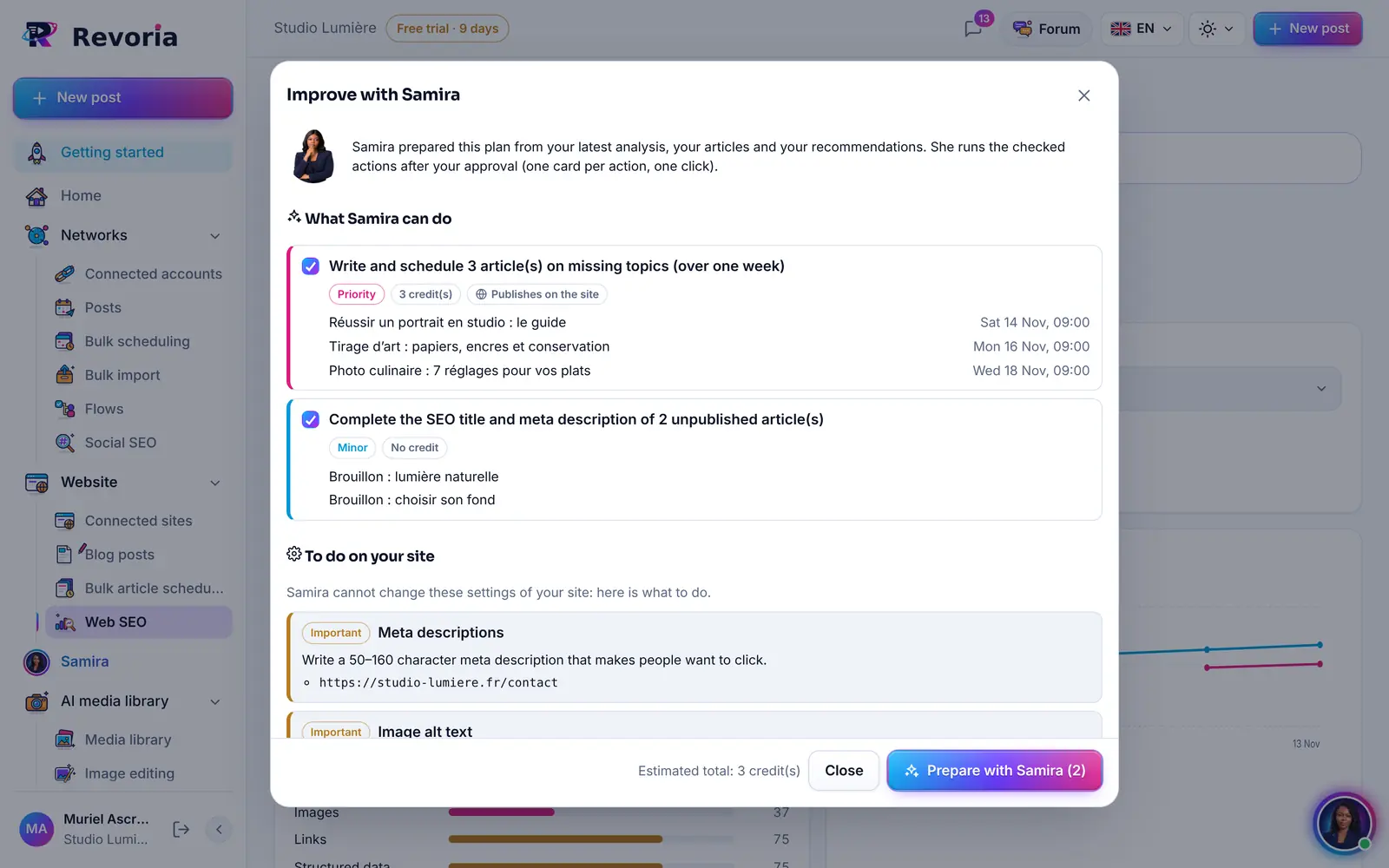
Web SEO analyses your connected websites and explains each point: SEO score, AI-search score, priorities. “Improve with Samira” prepares an action plan that you tick and then approve.

  • Site details: address, platform, connection status, latest articles and page views
  • Sites filtered and grouped by type: WordPress, WooCommerce, Shopify, Wix, Webflow, Ghost, Joomla, Drupal, Blogger
  • Samira’s plan: scheduled articles on missing topics, FAQ, titles and meta descriptions — nothing goes out without your approval
  • Wix: installation from the Wix App Market, status of each site and a check before every publication
Read the guide
Revoria 2.7 screen: Your websites, and what holds back their SEORevoria 2.7 screen: Your websites, and what holds back their SEO
Screenshot of the Revoria app, with demo data.

Articles fixed for Google and AI assistants

“Fix SEO and AI” checks the SEO title, meta description, address, headings, main keyword, internal links, alt text, length and readability, then Samira rewrites the article while keeping the facts.

  • Version history: the previous version can always be restored
  • One article published on several sites, adapted to each by Samira, with a link to each live version
  • Promotion on your social networks, right away or on the article’s date (you approve the card first)
  • Automations: Samira prepares articles on the days and at the time you choose, as drafts by default
Read the guide
Revoria 2.7 screen: Articles fixed for Google and AI assistantsRevoria 2.7 screen: Articles fixed for Google and AI assistants
Screenshot of the Revoria app, with demo data.

Analytics by brand, by account and by hour

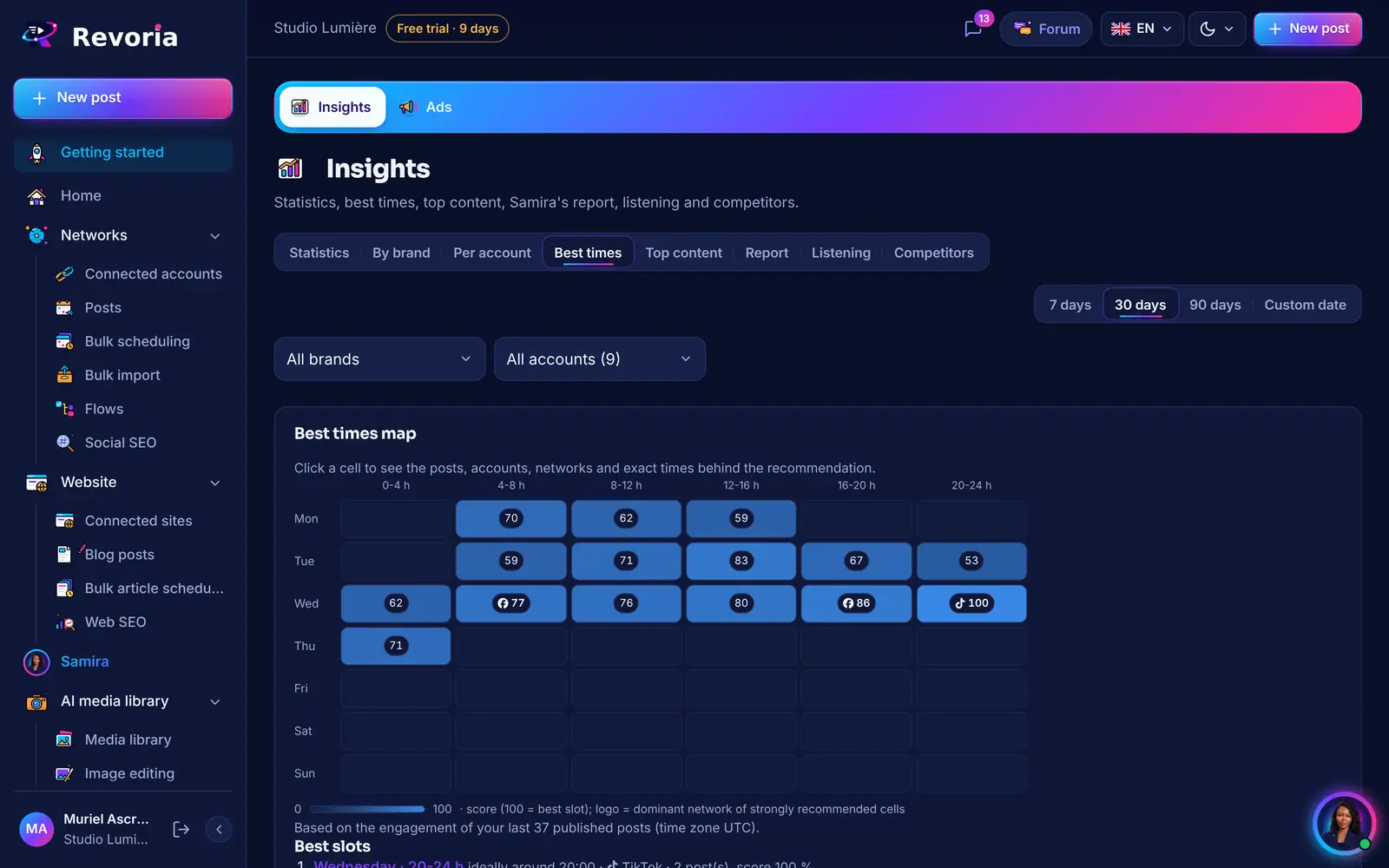
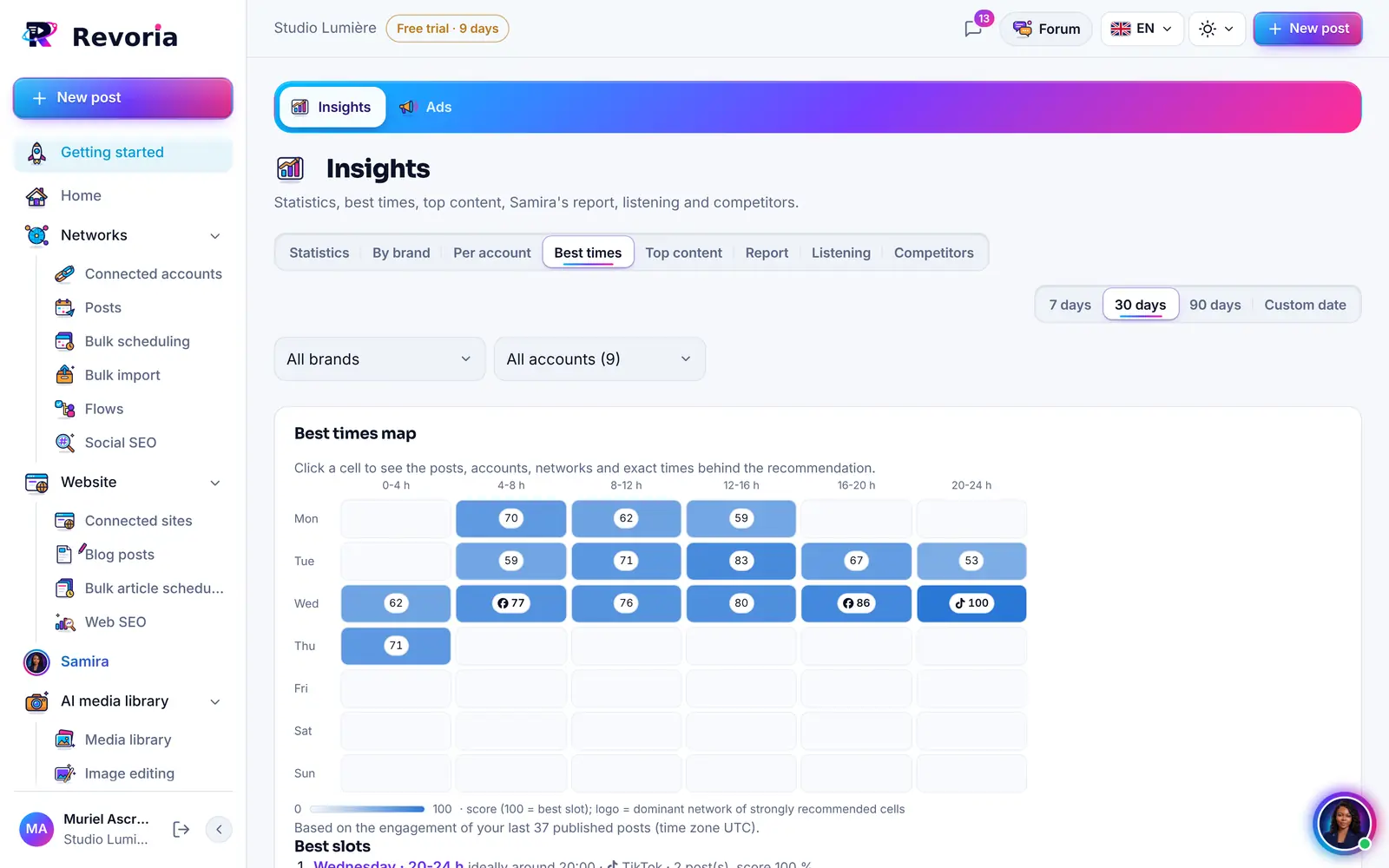
Growth › Analytics compares your brands, tracks a metric’s history for an account and shows an interactive best-times map calculated from your own posts.

  • 7, 30 or 90-day period, or a custom period
  • Top content ranked by a score combining views, likes, comments, shares and saves
  • Statistics status of each account: up to date, unavailable with the network’s API, or reconnection needed
  • Home: your websites’ statistics (page views, visits) appear next to your social networks’
Read the guide
Revoria 2.7 screen: Analytics by brand, by account and by hourRevoria 2.7 screen: Analytics by brand, by account and by hour
Screenshot of the Revoria app, with demo data.

You know what each network allows

Comments and Messages show a status by network and by account: what Revoria can read and reply to, and if not, why (missing Meta Business connection, missing permission…), instead of an empty list.

  • Facebook, Instagram and Threads together, with filters by network, brand and account
  • Local sorting of comments (questions, negative, positive), “Sort with Samira” on request
  • Samira always asks for your confirmation before sending a private message
Read the guide

Smoother Android and iPhone apps

The 2.7.1 apps open on a new animated home screen: the Revoria “R”, its orbits and your networks, then “Sign in” or “Create an account”. The sign-in pages stay the same as on the web.

  • More compact bars on phones; in calendars, a “Filters” button groups brand, network, site and status
  • On iPhone, swipe from the left edge to go back to the previous page
  • Light haptic feedback on tabs and buttons, if vibration is enabled on the device
  • The animation stops if “Reduce motion” is enabled
Read the guide
Welcome to Revoria

Turn one idea into multiple posts

You write or dictate an idea. Samira adapts it for each network you choose: length, tone, hashtags, and format. You review each version before it goes out.

  • One version per network, fully editable
  • Voice dictation for your idea
  • Preview before sending
Read the guide: turn one idea into multiple posts
Matching Revoria screen: turn one idea into multiple postsMatching Revoria screen: turn one idea into multiple posts
Screenshot of the Revoria app, with demo data.

Plan your week in one sitting

The calendar shows your day hour by hour, your week, or your month. A “+” on any open slot starts a post for that time. Posts can be moved and edited, even after they go live.

  • Day, week, and month views
  • Schedule from any slot
  • Filter by brand
Read the guide: plan your week in one sitting
Matching Revoria screen: plan your week in one sittingMatching Revoria screen: plan your week in one sittingMatching Revoria screen: plan your week in one sittingMatching Revoria screen: plan your week in one sitting
Screenshot of the Revoria app, with demo data.

All your accounts, network by network

Your connected accounts are arranged in columns, one network per column. Each account has its own details panel: profile link, description, brand and statistics, with refresh, pause and delete actions.

  • Most-used networks first when connecting an account
  • Search and filters by network and brand
  • 90 days of history imported on connection
Read the guide: all your accounts, network by network
Matching Revoria screen: all your accounts, network by networkMatching Revoria screen: all your accounts, network by network
Screenshot of the Revoria app, with demo data.

Keep the same voice, everywhere

Each brand has its own profile: description, audience, tone, visual style, keywords, hashtags, and topics to avoid. Samira refers to it when writing. Profiles are the same on the web and in the app.

  • Multiple brands per workspace
  • Accounts linked to each brand
  • “Avoid” rules respected
Read the guide: keep the same voice, everywhere
Matching Revoria screen: keep the same voice, everywhereMatching Revoria screen: keep the same voice, everywhereMatching Revoria screen: keep the same voice, everywhereMatching Revoria screen: keep the same voice, everywhere
Screenshot of the Revoria app, with demo data.

Create visuals without switching tools

Studio generates images from a description and keeps your media in a library. Add them to your posts in one tap.

  • AI image creation
  • Media library
  • Formats tailored to each network
Read the guide: create visuals without switching tools
Matching Revoria screen: create visuals without switching toolsMatching Revoria screen: create visuals without switching tools
Screenshot of the Revoria app, with demo data.

Publish your blog posts

Connect your website: Samira writes a long, structured article optimized for search engines and for AI answer engines (ChatGPT, Claude, Gemini, Perplexity), Revoria publishes it as a draft or live, then you share it on your networks.

  • One-click connection: WordPress, Shopify, Webflow, Wix
  • Draft or direct publishing, in your categories
  • Ghost, Joomla, Drupal and any site via webhook
  • New in 2.7: “Fix SEO and AI”, version history, publishing to several sites and promotion on your social networks
Read the guide: publish your blog posts
Matching Revoria screen: publish your blog postsMatching Revoria screen: publish your blog posts
Screenshot of the Revoria app, with demo data.

See what holds back your websites’ SEO

Web SEO analyses your connected websites: SEO score, AI-search score, an explanation of each criterion and its trend over time. “Improve with Samira” prepares an action plan — scheduled articles, titles and meta descriptions — that you tick and then approve.

  • Free SEO analysis, AI analysis paid in credits
  • Details for each site: connection, articles, page views
  • Nothing happens without your approval
Read the guide: see what holds back your websites’ seo
Matching Revoria screen: see what holds back your websites’ seoMatching Revoria screen: see what holds back your websites’ seo
Screenshot of the Revoria app, with demo data.

Understand what works

Reach, views, engagement and followers for each account over 7, 30 or 90 days or a period of your choice, a comparison of your brands, your top content, a weekly report, an interactive map of your best times and a comparison with your competitors.

  • By brand, by account and the history of a metric
  • Interactive best times and top content
  • Your websites’ statistics on the home screen
  • Web monitoring and competitor comparison
Read the guide: understand what works
Matching Revoria screen: understand what worksMatching Revoria screen: understand what works
Screenshot of the Revoria app, with demo data.

Reply to comments without losing your evening

Comments from your Facebook pages, Instagram and Threads accounts arrive in a single inbox. Samira sorts them and suggests three replies in your brand’s tone; you choose, you send.

  • Sorting: question, positive or negative review, spam
  • Three replies suggested by Samira
  • Saved replies, hide a comment
  • Status by network: what each account lets you read and reply to, and if not, why
Read the guide: reply to comments without losing your evening

Create videos and visuals with AI

Describe your idea: Samira writes the script, generates the video in vertical or horizontal format, and adds a voiceover. Studio also creates and edits images and keeps everything in your media library.

  • AI videos in 9:16 or 16:9, any length
  • Voiceover and sound effects
  • AI images, filters, and edits
Read the guide: create videos and visuals with ai
Matching Revoria screen: create videos and visuals with aiMatching Revoria screen: create videos and visuals with ai
Screenshot of the Revoria app, with demo data.

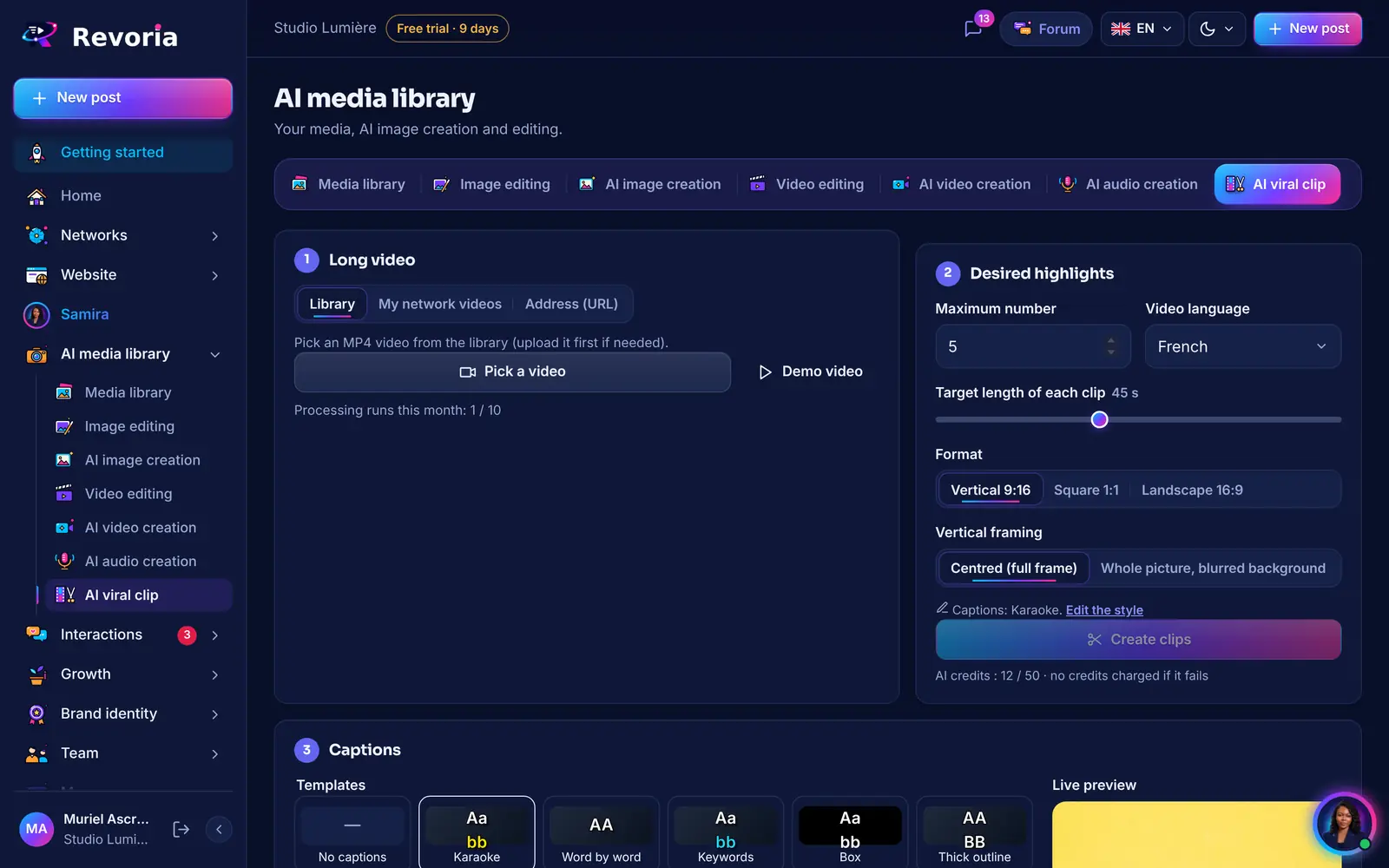
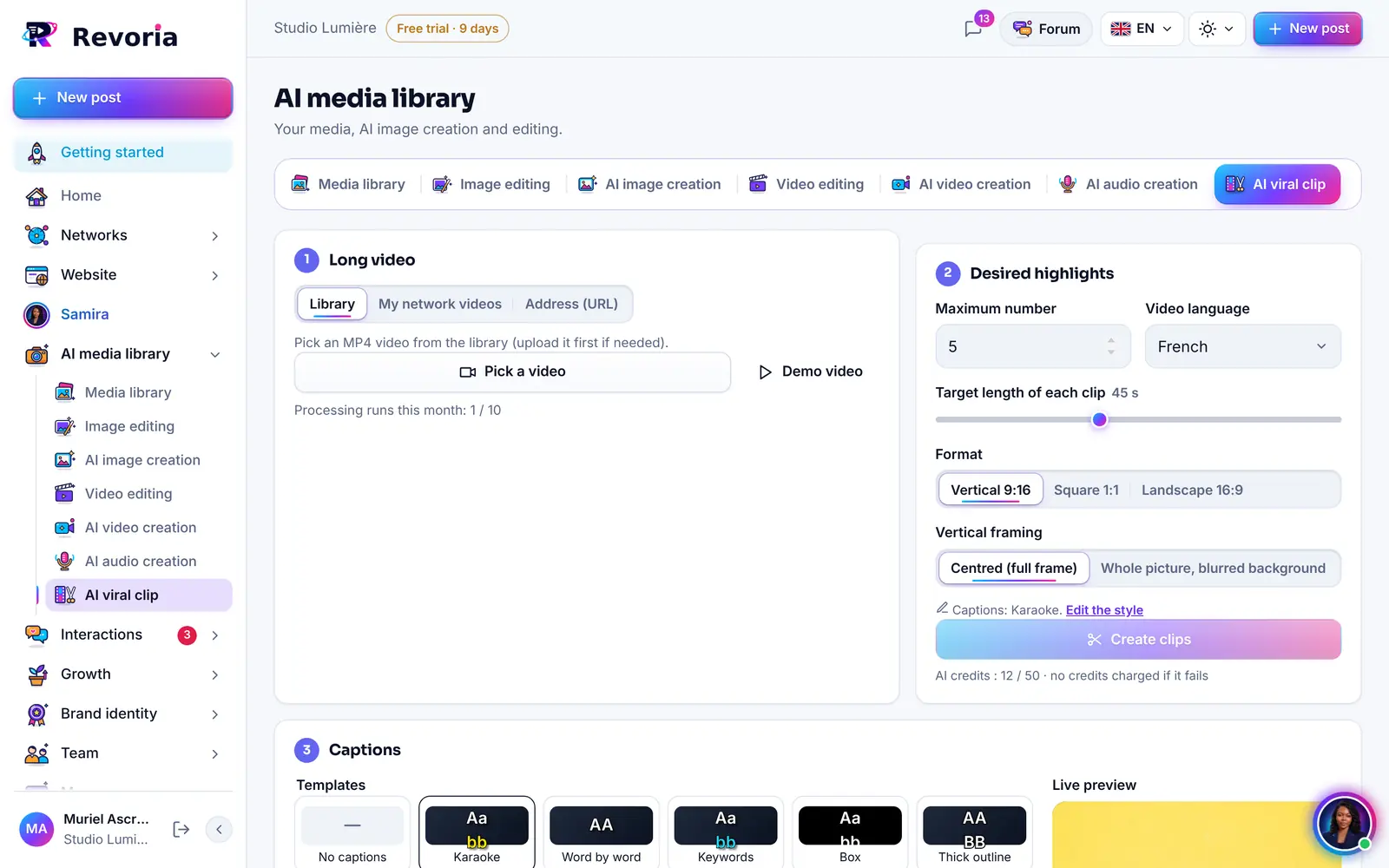
Turn long videos into short clips

Podcast, livestream, interview, webinar: hand the video to Samira. She finds the best moments, cuts them into short clips sized for each network, and schedules them on your accounts.

  • Short clips from a long video
  • Reels, TikTok, and Shorts formats
  • Posts scheduled by Samira
Read the guide: turn long videos into short clips
Matching Revoria screen: turn long videos into short clipsMatching Revoria screen: turn long videos into short clips
Screenshot of the Revoria app, with demo data.

The AI of your choice: ChatGPT, Claude, and more

Samira works with the AI included in your plan or the one you prefer: ChatGPT, Claude, Gemini, Mistral, and more. And if you already use Claude or ChatGPT, connect them to Revoria through MCP.

  • Choose from several AI engines
  • Voice dictation and conversation history
  • MCP connector for your own assistant
Read the guide: the ai of your choice: chatgpt, claude, and more
Matching Revoria screen: the ai of your choice: chatgpt, claude, and moreMatching Revoria screen: the ai of your choice: chatgpt, claude, and moreMatching Revoria screen: the ai of your choice: chatgpt, claude, and moreMatching Revoria screen: the ai of your choice: chatgpt, claude, and more
Screenshot of the Revoria app, with demo data.

Automate what comes up every week

An RSS feed or a link becomes a post, a CSV schedule imports in one go, and your best content is recycled and rewritten by Samira. Want to go further? Use n8n, Make, or Zapier workflows.

  • RSS, link, or CSV to posts
  • Recycling your best content
  • n8n, Make, Zapier, and webhooks
Read the guide: automate what comes up every week
Matching Revoria screen: automate what comes up every weekMatching Revoria screen: automate what comes up every week
Screenshot of the Revoria app, with demo data.

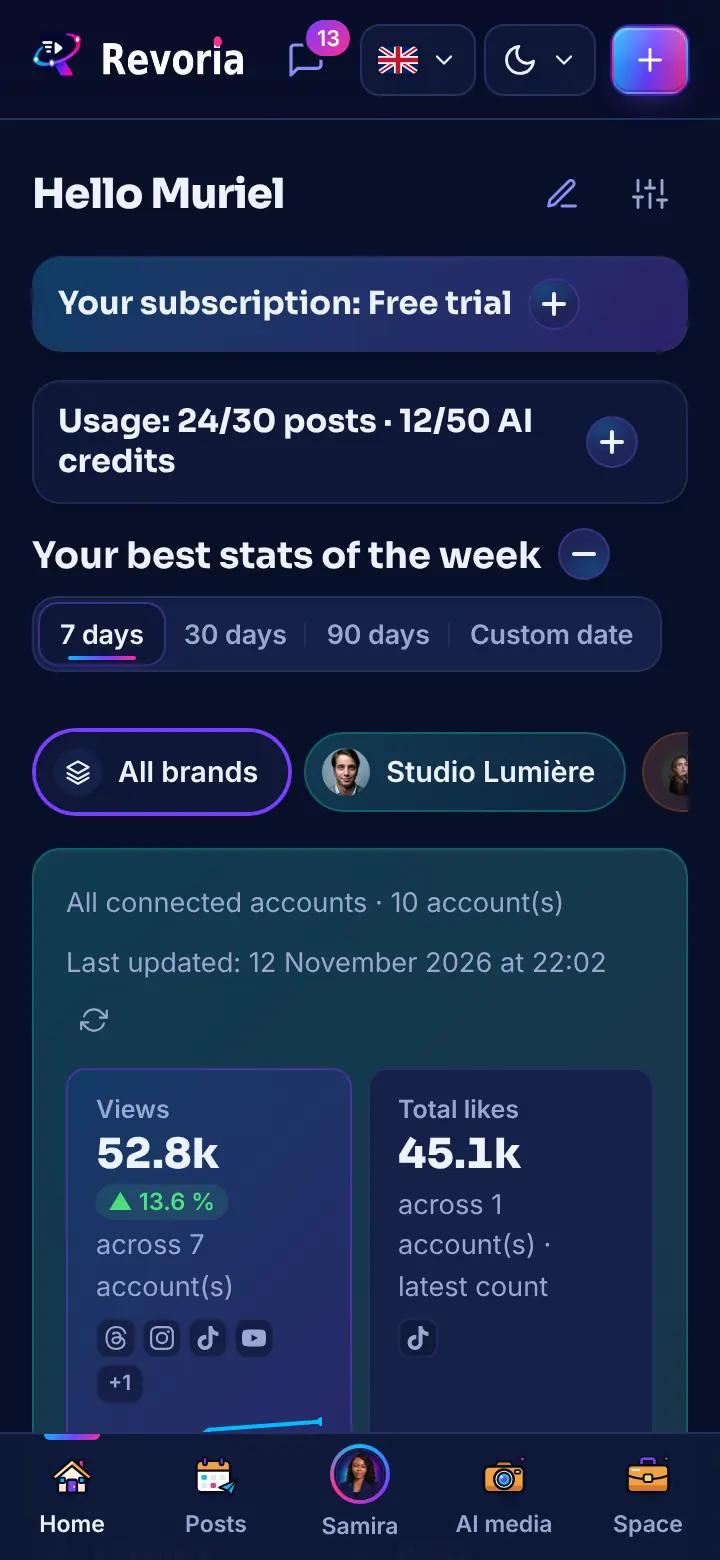
Keep going on mobile

The Android and iPhone 2.7.1 apps open your workspace with the same account as on the web: Samira with voice dictation, posts, AI Media Library, comments and statistics. A new animated home screen, compact bars and a “Filters” button in calendars. Revoria also works in your phone’s browser.

  • Lock with fingerprint, face, or passcode
  • Notifications: post published, failure, account to reconnect
  • Drafts saved offline and sent when you’re back online

Web and Android

Read the guide: keep going on mobile
Matching Revoria screen: keep going on mobile
Screenshot of the Revoria app, with demo data.

By type of business

Different sample weeks for each profession.

Business

Growing SMEs, large companies and multi-brand groups: teams, roles and approval before every post.

See the business solution

Your next week of content could be ready tonight.

Connect your accounts, introduce your brand to Samira, approve her suggestions. The calendar does the rest.

  • 14 days free
  • No credit card required
  • You keep the final say