

Guided getting started
The Getting started page sets up your workspace in a few minutes: profile, networks, website, connected accounts and a first request to Samira.
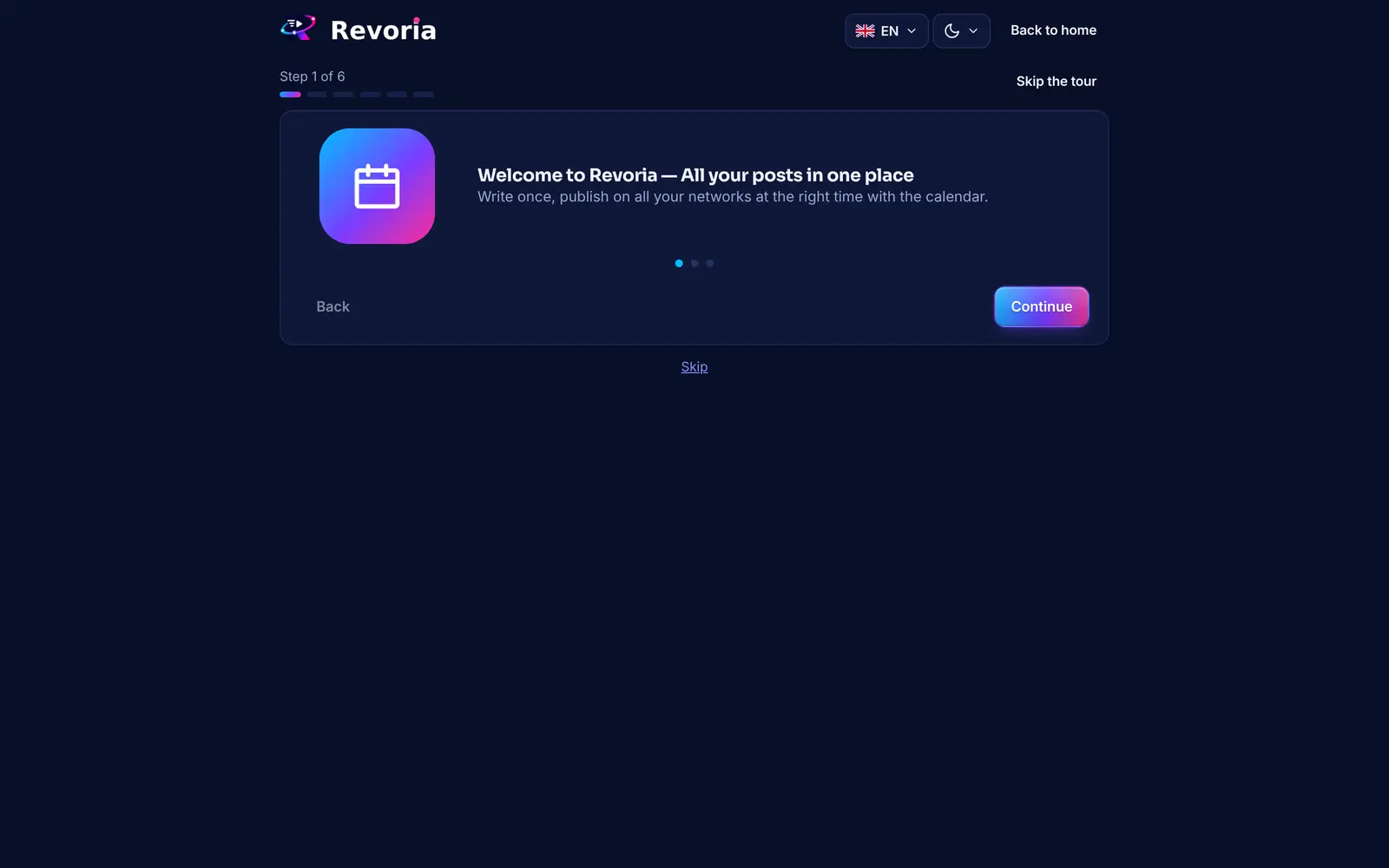
Step by step
Open the getting started tour
It appears after your first sign-in. You can find it at any time with the Getting started link at the top of the menu. The “Skip the tour” button takes you straight to Home.
Tell us about your business
Choose Shop, Restaurant, Freelancer, Agency, Content creator or Other. Samira then adapts her first suggestions.
Tick your networks
Select the networks you are interested in. You can add others later.
Have your website analysed
Enter your business name and website address, then click Analyse my website. Samira reads it and prepares your first brand (name, tone, colours, keywords). No website? Click “I have no website”.
Connect your accounts
The networks you chose appear first with a Connect button. You can also click “I will connect them later”.
Make your first request to Samira
Write a starting idea and click Ask Samira: she prepares a first post that you review before anything goes live. Finally, click Finish.
Good to know
- A person invited to a workspace whose role does not allow connecting accounts sees the accounts step greyed out: the workspace owner takes care of it.
- All steps are optional and can be completed later in Brands and Connected accounts.
A step doesn’t match what you see? Report it to support.