

Delete your account and your data
Delete your account from the app, or request the deletion of your data, a workspace or a connected network.
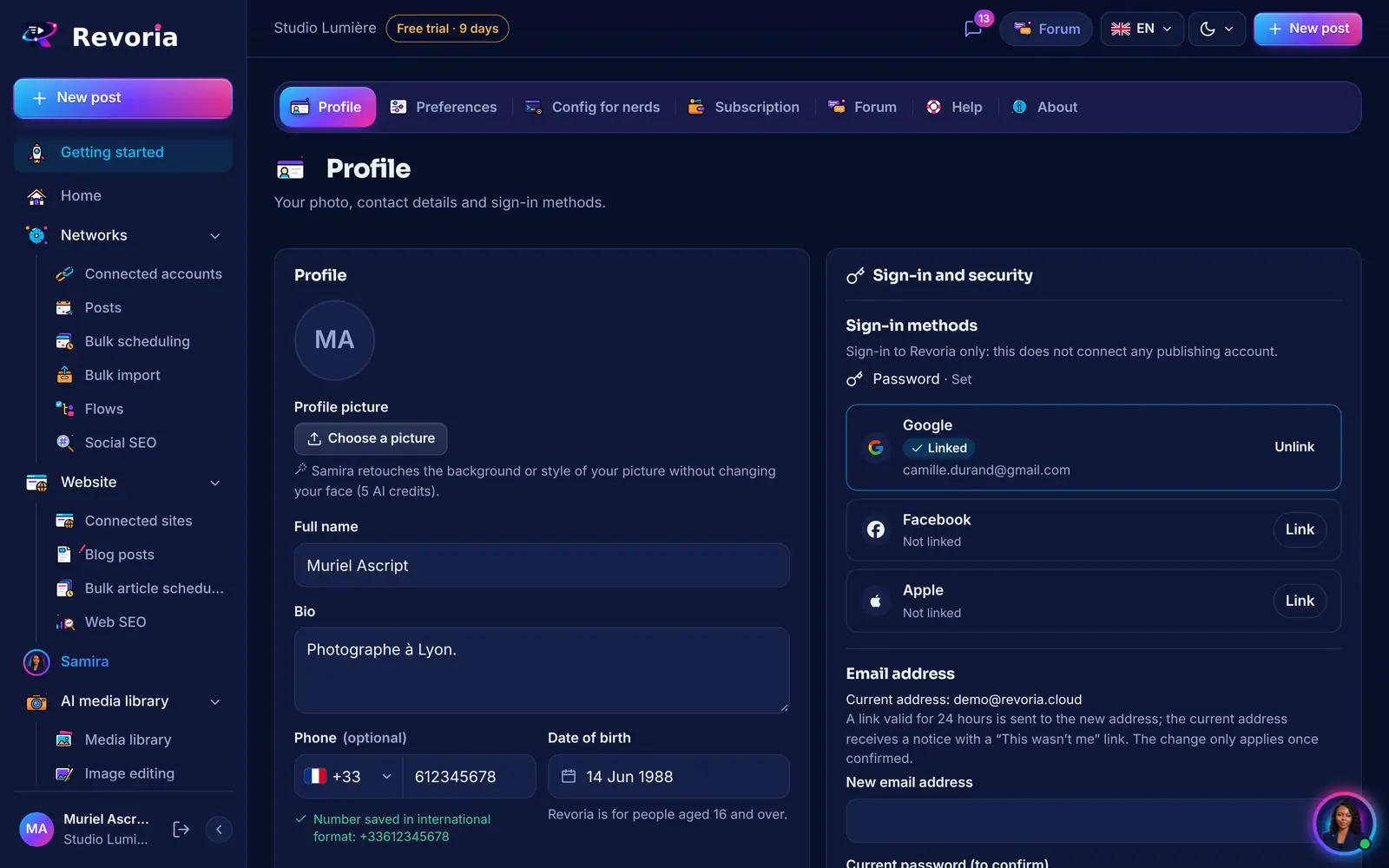
Step by step
From the app
Open My space › Profile, Account section, then Delete my account. Follow the confirmation steps and type “SUPPRIMER”: deletion takes effect after 30 days and your account can be restored until then.
What gets deleted
Connected accounts, posts, media and workspaces you own are deleted. If you have an active subscription or members in your workspace, a message tells you before you confirm.
Without access to the app
Use the form on the Data deletion page: choose what to delete (account, workspace, connected network or access), confirm through the link you receive by email, then follow progress with your tracking number.
Removing a single network
To remove only one network, disconnect it in Connected accounts: its access is deleted. You can also remove Revoria’s access from the network’s own settings.
Further reading
Good to know
- Deletion is permanent: download what you want to keep (media, invoices) beforehand.
A step doesn’t match what you see? Report it to support.